

Studio
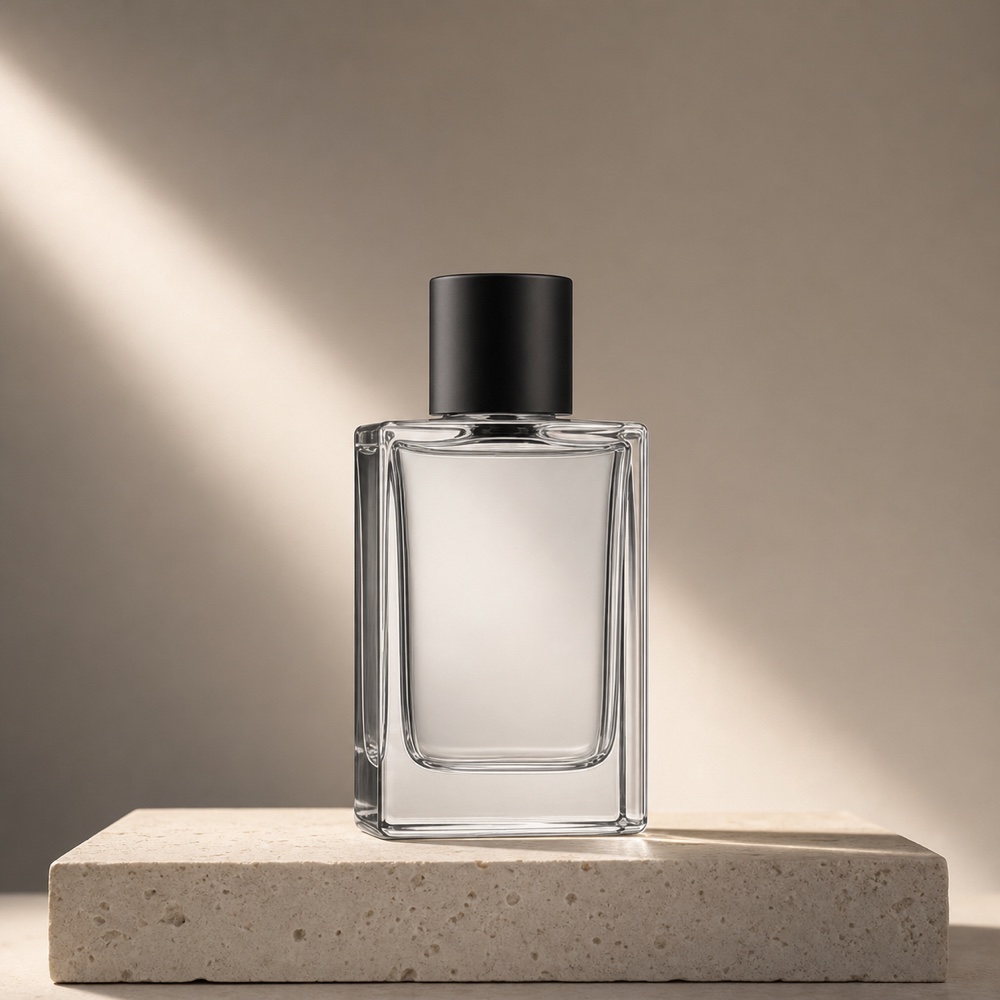
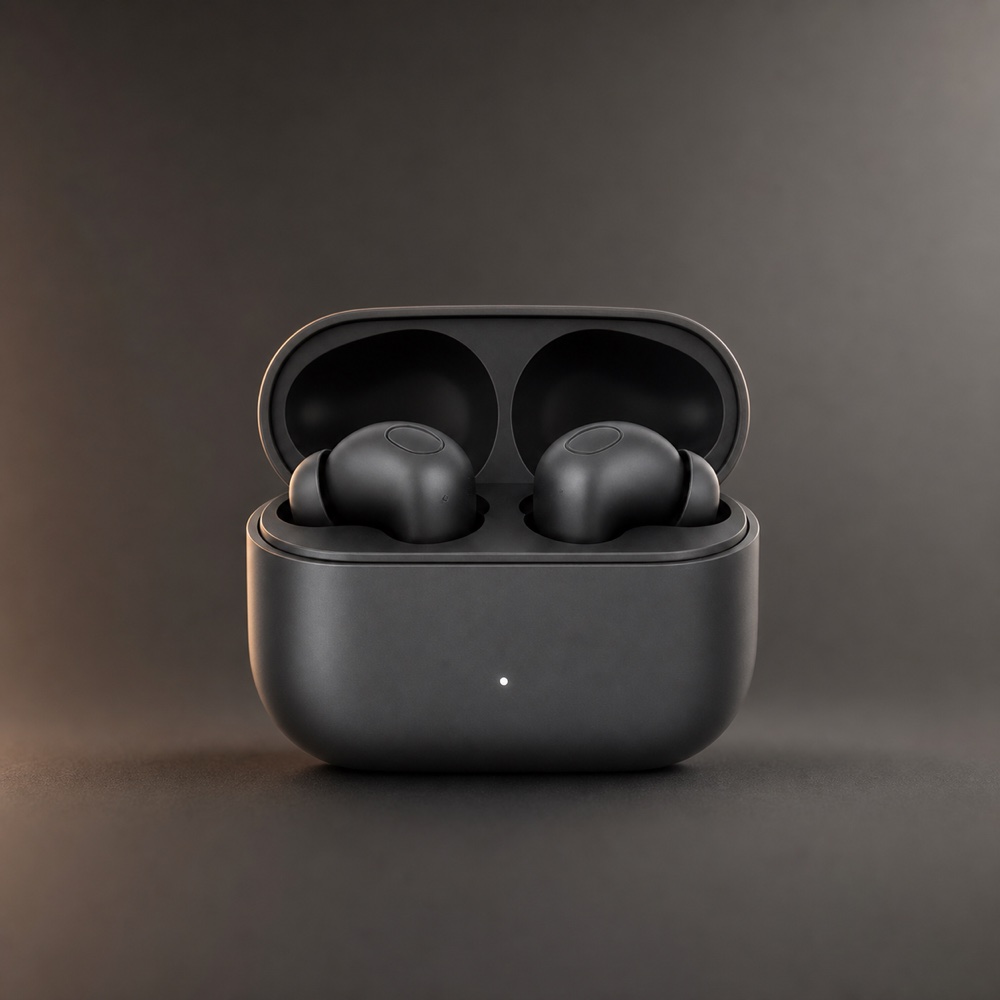
Studio product shots
Clean backgrounds, controlled light, and deliberate negative space for ecommerce listings.
Apply this direction
AI ads from your product photo
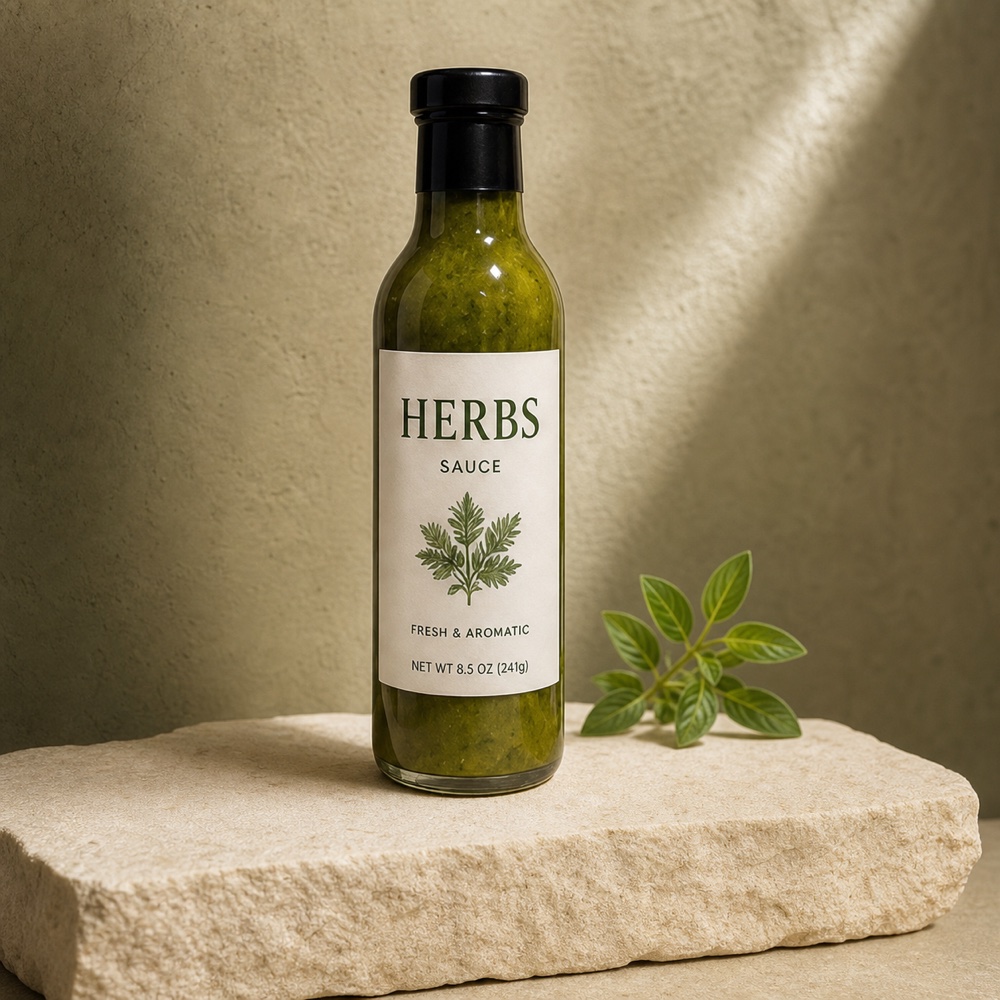
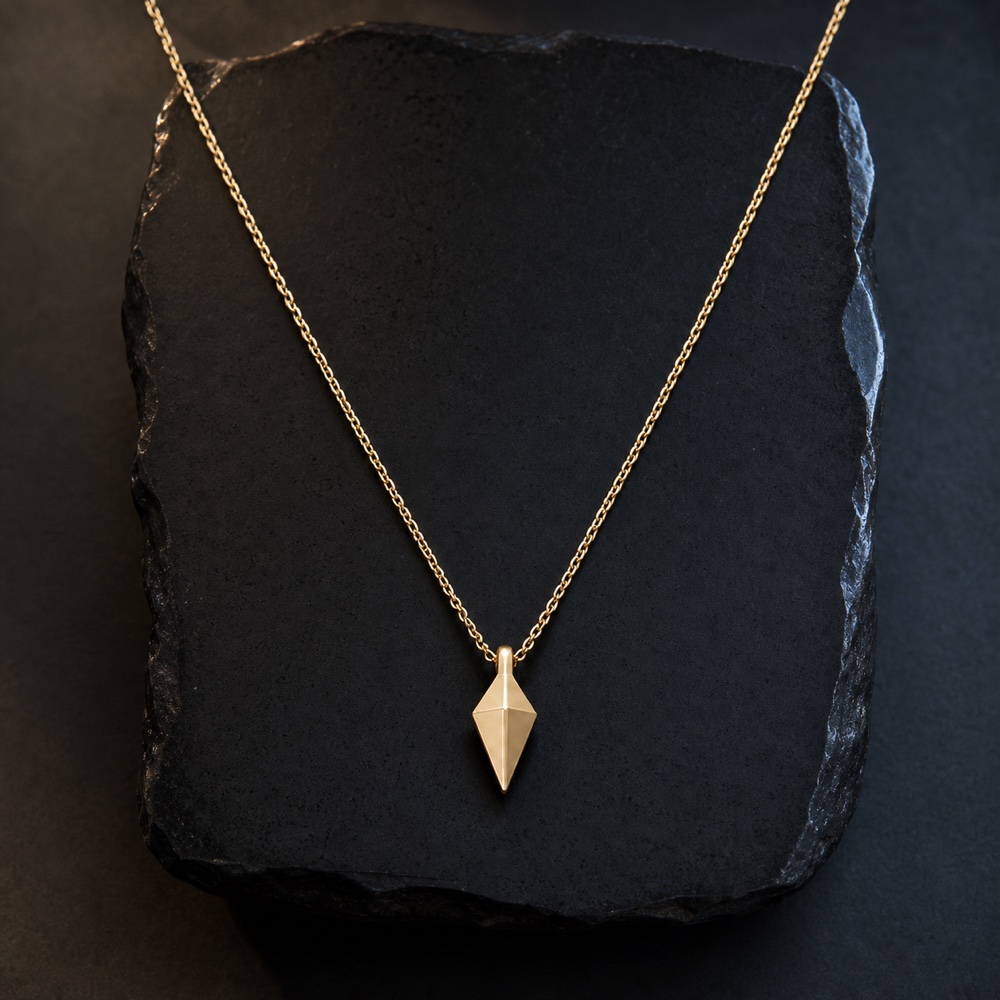
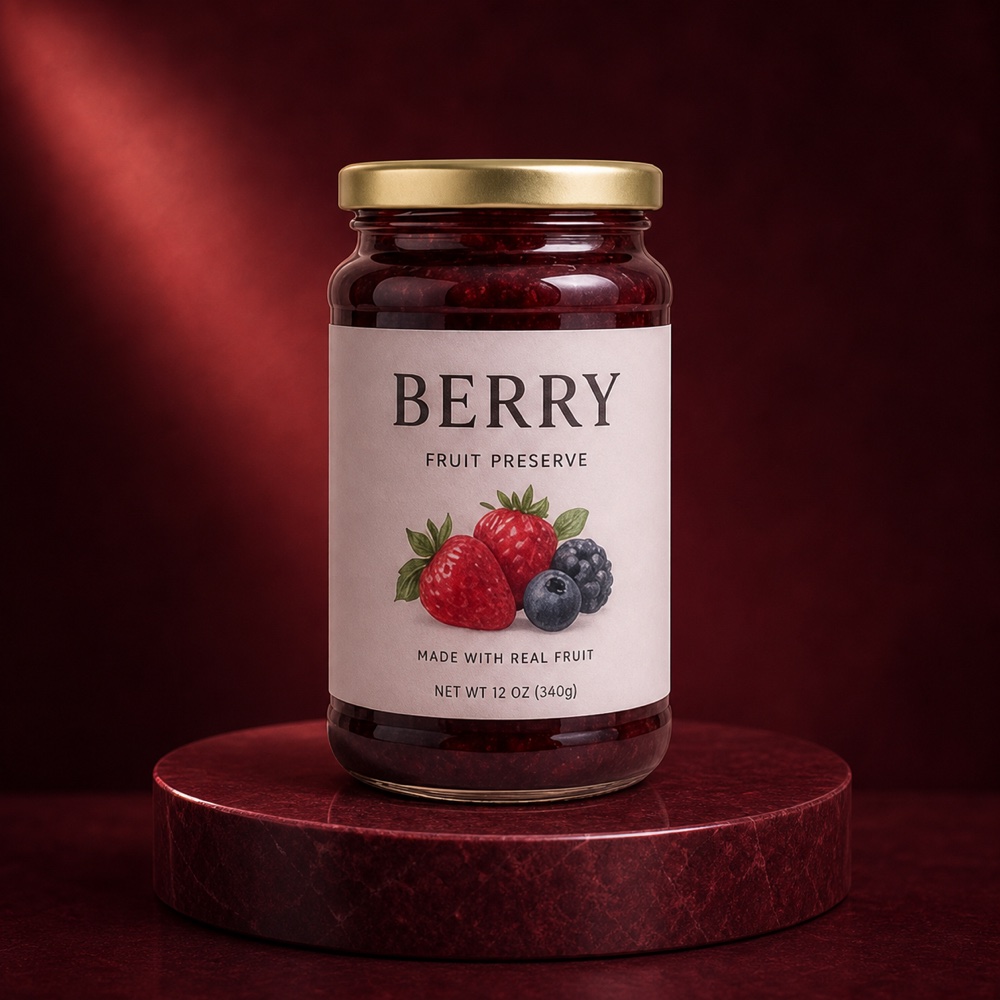
Upload your shot, pick a creative style and model, then generate image or video ads for ecommerce and social—without a designer or a blank canvas.



Built for the latest
image + video models
Explore ad formats
Preview a few ways to introduce, demonstrate, and promote your product. Pick one to carry its style into the studio above.
Studio
Clean backgrounds, controlled light, and deliberate negative space for ecommerce listings.
Apply this direction
Lifestyle
Place products in believable settings for social media and brand campaigns.
Apply this direction
TikTok
Lead with movement, a useful detail, and an opening made for the social feed.
UGC
Present the product through a natural review, tutorial, or unboxing.
Commercial
Give the product a polished campaign look with deliberate light and motion.
Real results
Compare each reviewed source photo with its corresponding Photo2Ads result across studio, jewelry, skincare, packaging, lifestyle, and fashion directions.
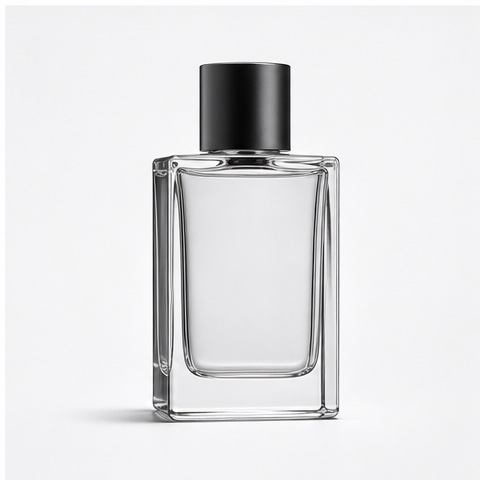
Warm Limestone Fragrance
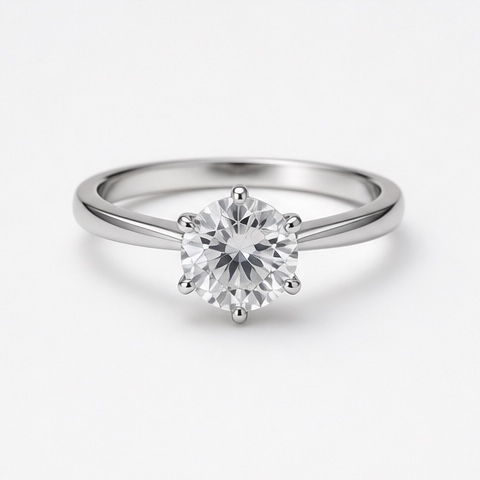
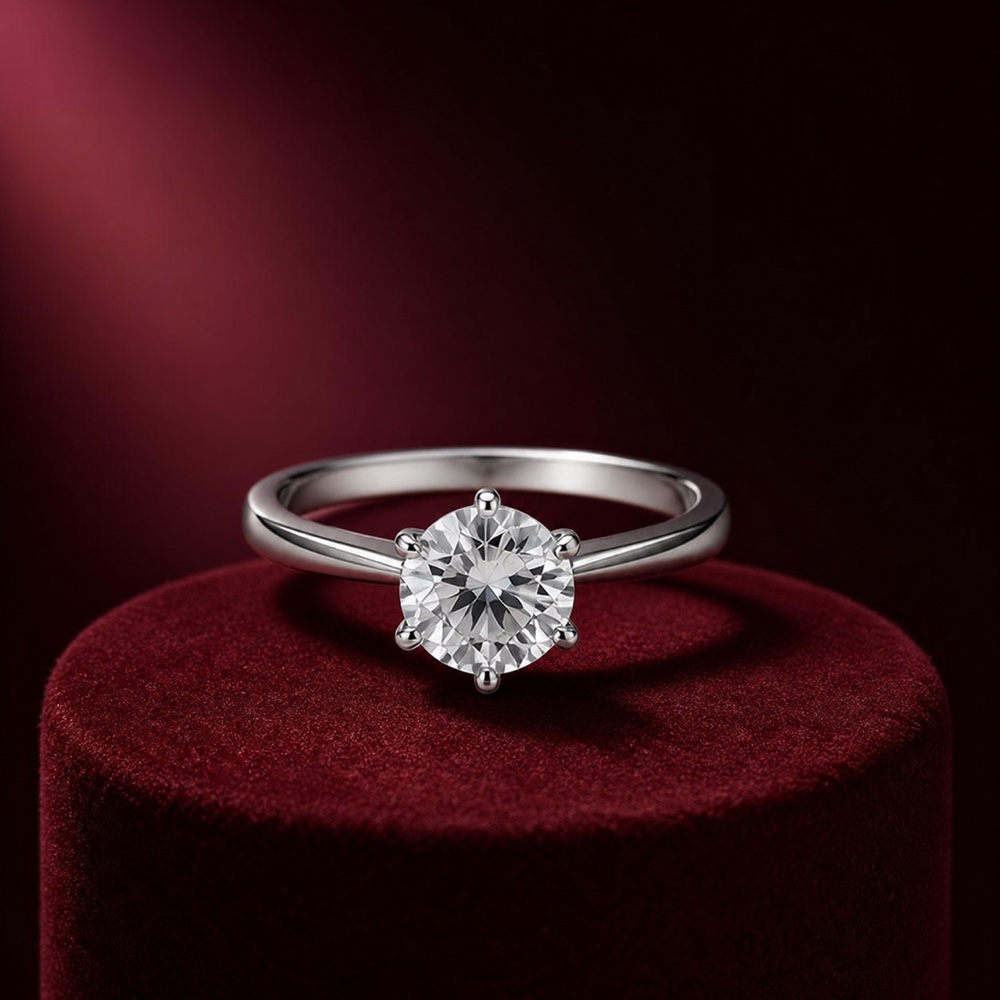
Oxblood Ring Spotlight

Clinical Water Serum
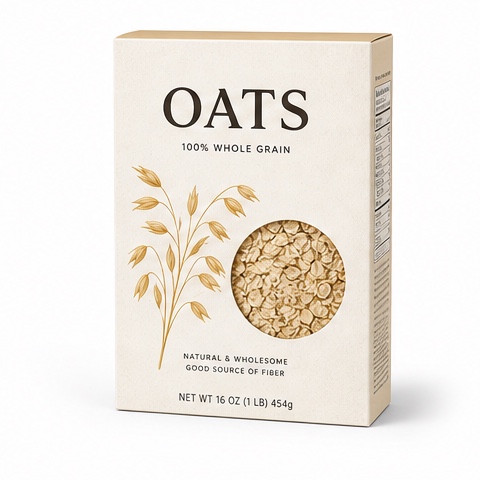
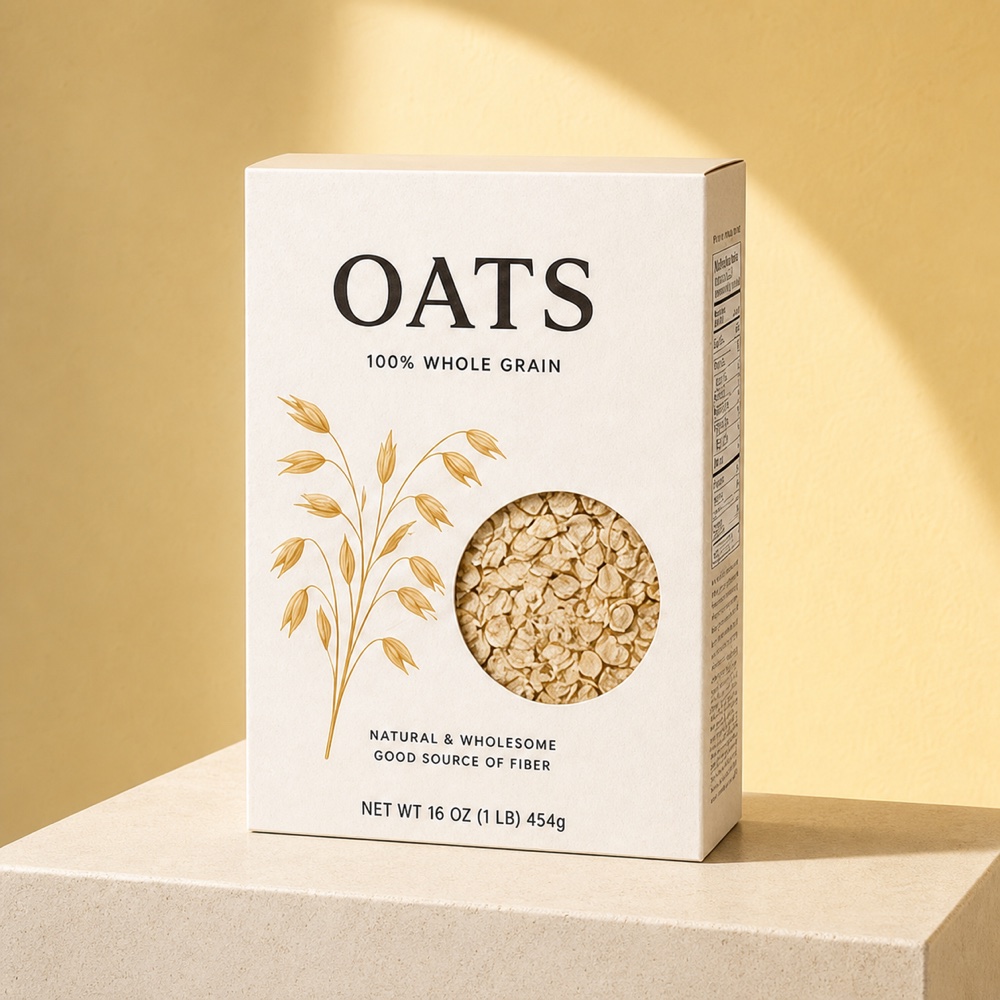
Sunlit Oat Box
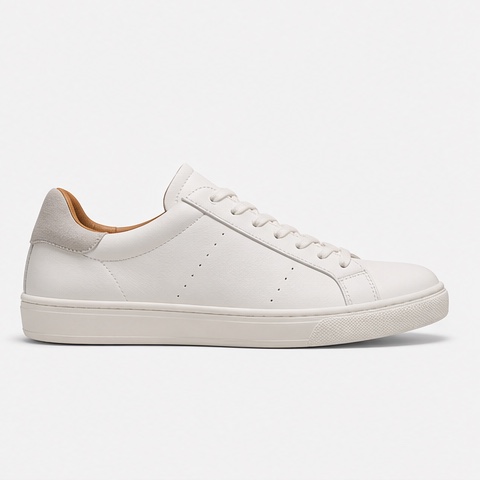
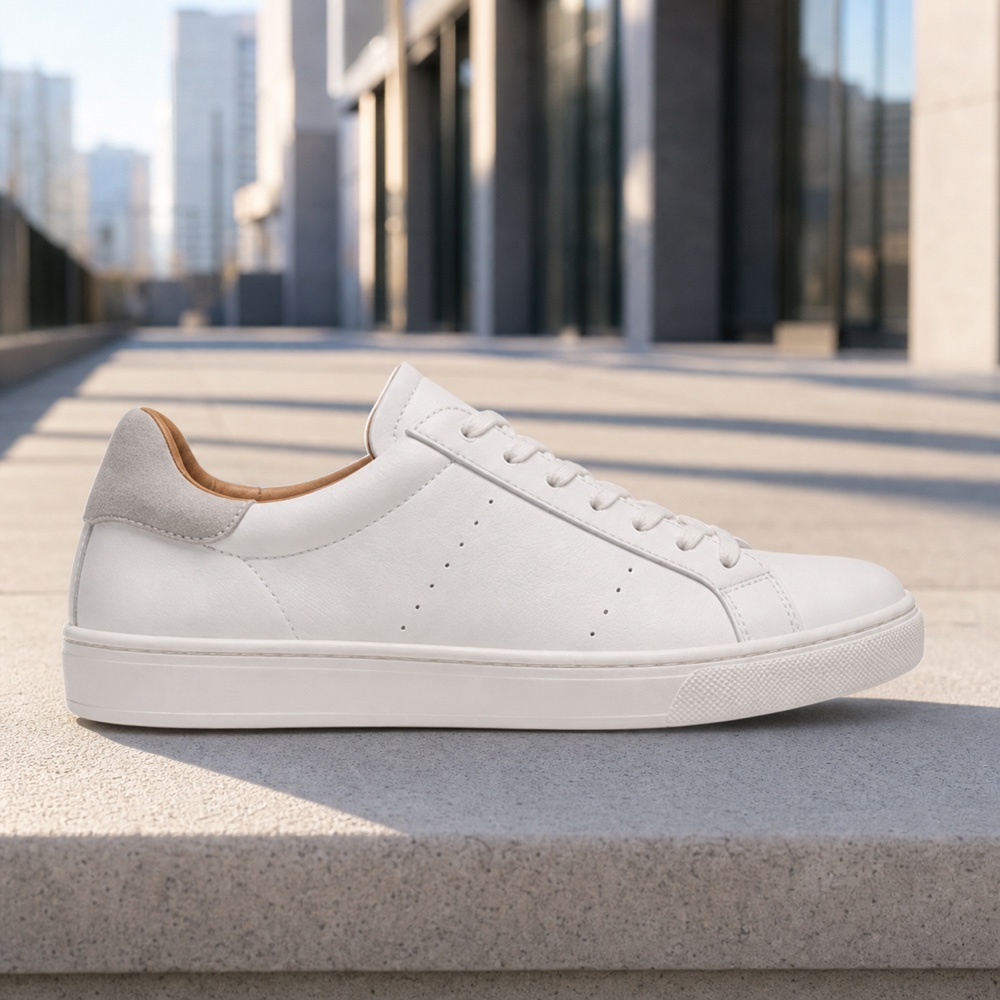
Morning City Sneaker
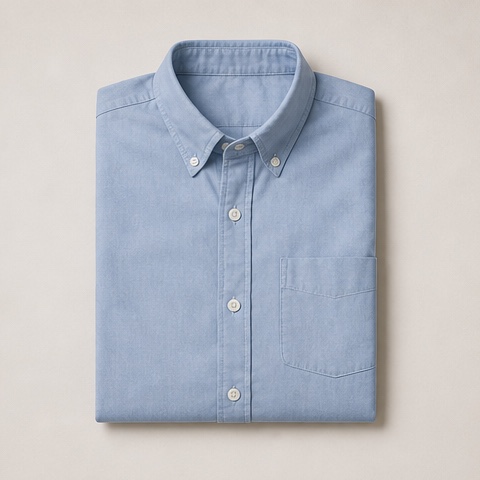
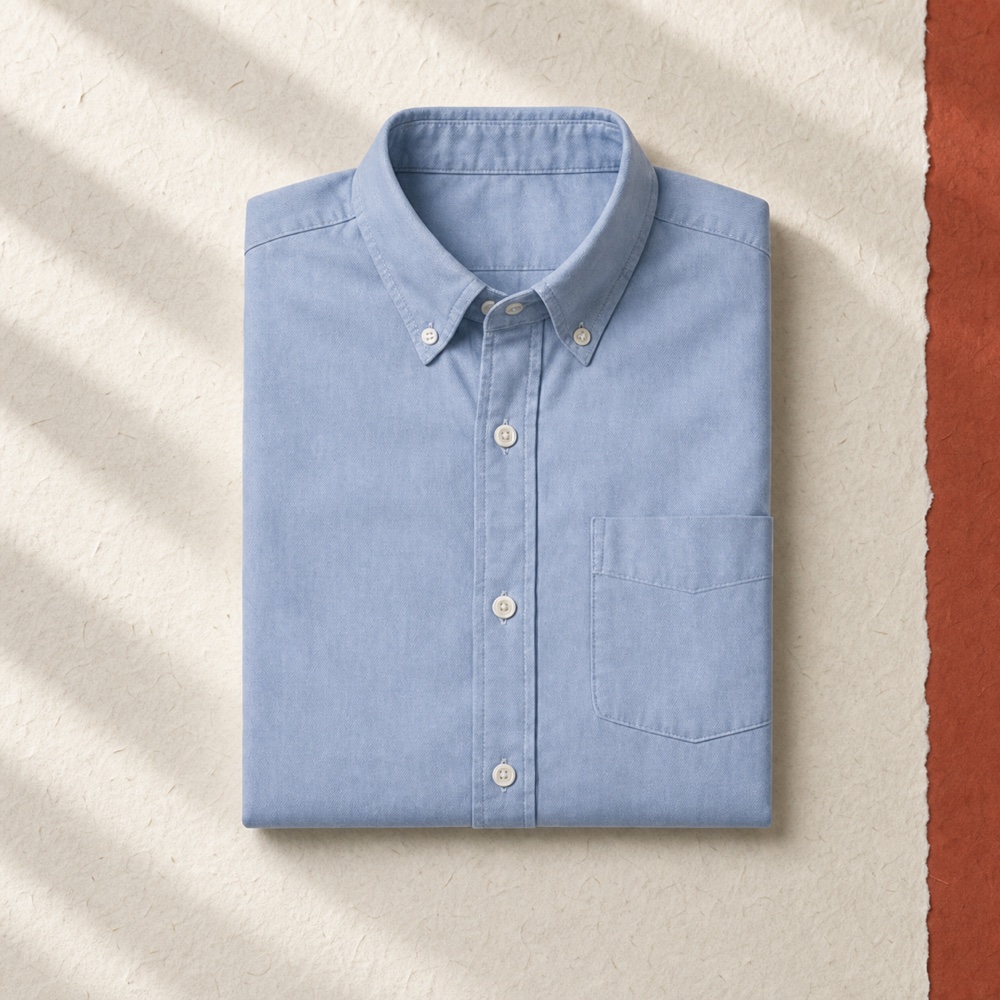
Paper-Edge Blue Shirt
How it works
No complex design process. Start with your photo, choose the look, and generate the format you need.
Start with a clear photo—add up to five views for better product detail. A person reference is optional.
Pick how the ad looks, how it opens, and where the product appears.
Generate an image or video, pick the aspect ratio and batch size, then download.
Product photo to ads
An AI ad generator turns product photos into ready-to-use AI ad creatives for ecommerce and social channels across image and video formats. Photo2Ads uses one or more product views as visual references, then lets you choose a UGC style, hook, scene, format, and model while keeping the product recognizable.
Made for real campaigns
Create content for product pages, social feeds, stories, and display placements from one clear photo or several product views.
Photo2Ads uses up to five product views in image mode, including packaging, colors, logo, label, and important details.
Explore creator-led videos, product reviews, interviews, studio scenes, and more.
Switch between image and video, then choose the aspect ratio, quality, and number of results.
/ 06Choose a workflow
Each Photo2Ads workflow has a distinct job: campaign stills, motion ads, creator-style UGC, tested prompt directions, or reviewed source-to-result examples.
Static campaigns
Turn product photos into studio, packaging, lifestyle, ecommerce, and paid-social stills. Generate one to four coordinated images per run.
Create image adsMotion campaigns
Animate product photos into UGC, commercial, demonstration, or cinematic clips with controls for motion, duration, format, and audio.
Create video adsChoose the channel or commercial format first.
Start from UGC, reviewed directions, or examples.
/ 07 Questions, answered
Start with a product photo, browse tested prompt directions, or review plans and supported models before you begin.
A tool that turns product photos into ready-to-use ad creatives for ecommerce and social campaigns. Upload your product, choose a creative direction, and generate image or video ads—including UGC styles, studio scenes, and commercial formats.
Yes. Upload one clear product photo to create new product images for ecommerce and social ads. You can also add front, side, packaging, or detail views when accuracy depends on more visual context.
No. You only need a product photo to start. A person reference is optional when you want a specific presenter in the ad.
Yes. Choose a UGC style, opening, and scene, or edit the prompt to describe the look you want.
Yes. Create up to four image options at once with as many as five Product references, or switch to video mode and use the reference count, length, size, quality, and audio supported by the selected model.
The studio supports square, portrait, vertical story, landscape, and wide display ratios for common ecommerce and social placements.